

Facilities management you can defend.
Every trade. Every evidence pack. AI Pilot checks each invoice against its quote.
- Every job a work order
- Evidence at source
- A person signs off
The first problem
Trustees are signing off work they cannot see.
Lost in messages
Quotes and updates scatter across WhatsApp, email and SMS. Nobody has the full thread.
No evidence
Photos arrive after the fact, with no time or place attached. Easy to reuse. Hard to defend.
Invoice surprises
Line items appear for the first time on the invoice, not on the quote.
Trustee exposure
Trustees sign payments with no clean basis to approve or query them.
The second problem: a knowledge gap
One building manager. Twelve specialist trades.
Building managers are generalists. No one person holds every SANS standard in their head for every job they sign off.
A job that looks done is not always a job that meets the standard.
- ElectricalSANS 10142
- PlumbingSANS 10252
- GeysersSANS 10254
- WaterproofingSANS 10021
- FireSANS 10400-T
- GasSANS 10087
- LiftsSANS 1545
- GlazingSANS 10137
- StructuralSANS 10160
- RoofingSANS 10400-L
- HVACSANS 10147
- PaintingTo specification
Under each trade: the standard it works to.
Our answer
AI Pilot checks the evidence. A person decides.
AI Pilot checks a contractor's evidence before sign off: where and when each photo was taken, and the work against the quote and the invoice. It flags the gaps. Geyser work is checked against SANS 10254. Nothing is approved by software.
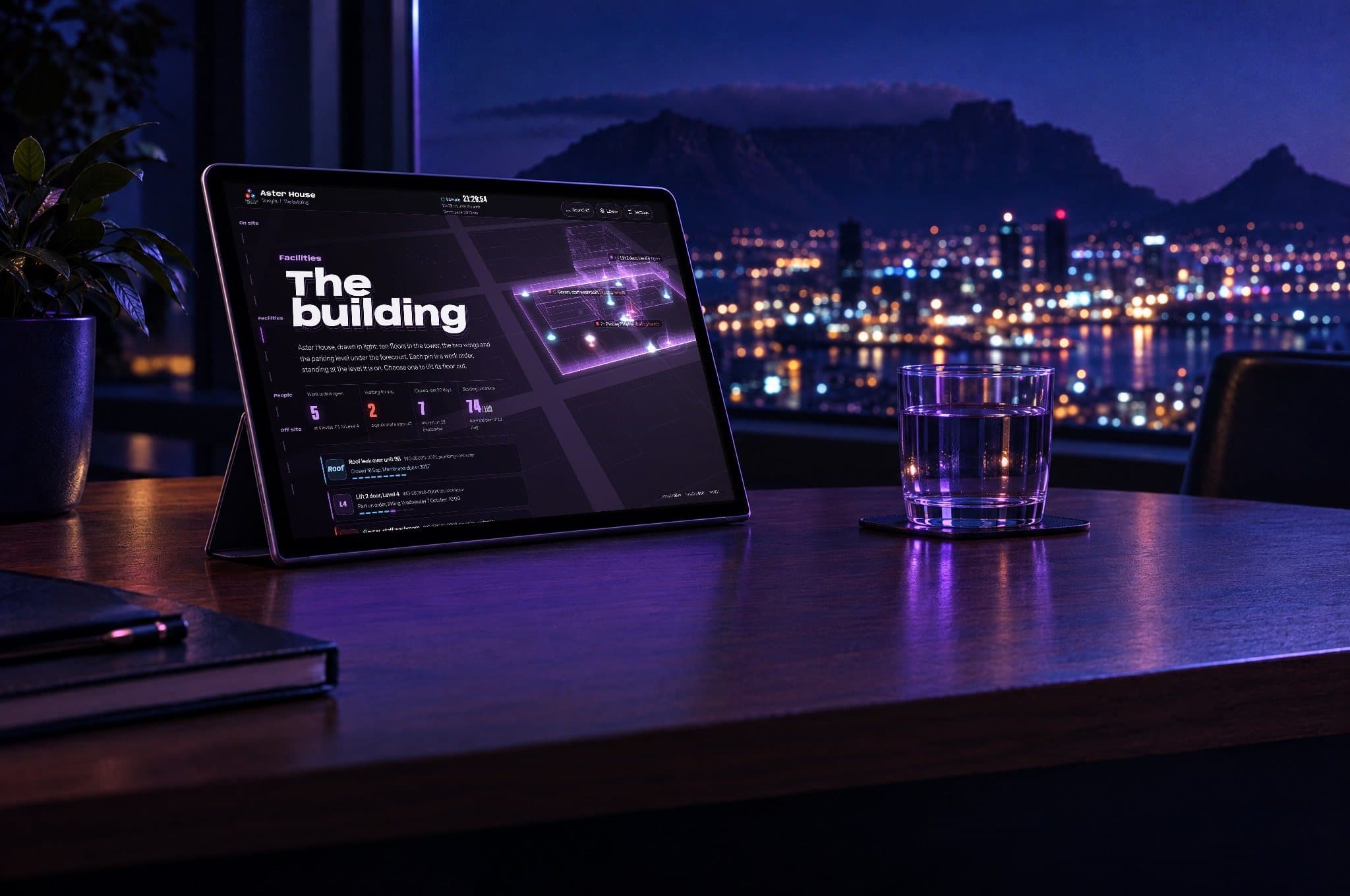
The buildingEvery open work order pinned to the floor it is on, with what waits for a decision. 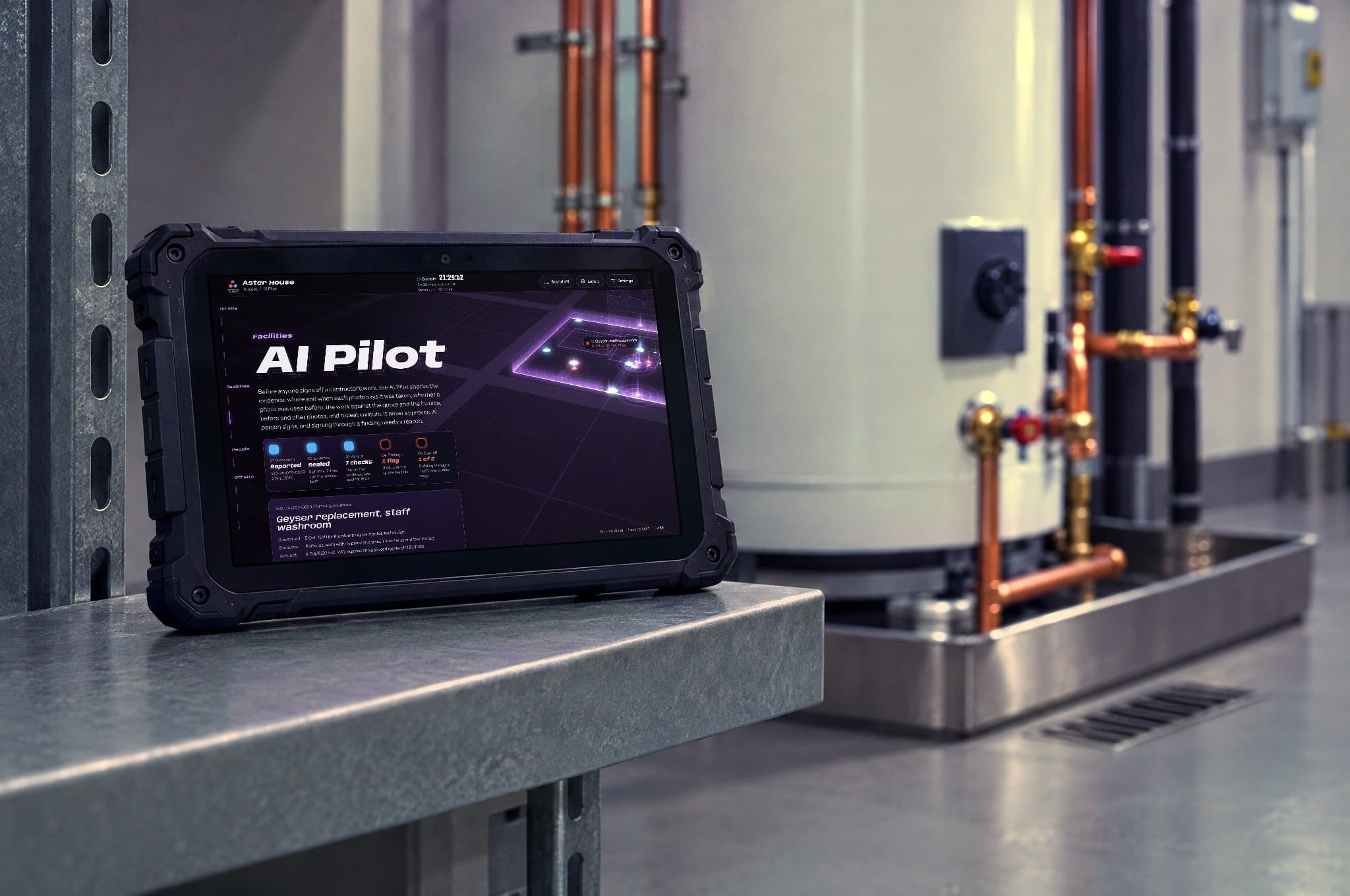
AI PilotBefore anyone signs off a contractor's work, the AI Pilot checks the evidence and flags gaps. A person decides.
Aster House is a fictional site. Every name, figure and note in it is sample data. The rooms and devices are illustrations. The screens are from the SecaTeq portal demonstration, with sample data.
How every job runs
One workflow. Every job. Every time.
Step 1. Capture
Logged in the SecaTeq portal, or called in to our AI reception on 011 088 5419. Trade and priority tagged.
Step 2. Verify
Scope checked before anyone is sent. Duplicates and incomplete requests caught early.
Step 3. Dispatch
The job goes to the right contractor or our own team.
Step 4. Quote
Line item quotes, comparable side by side, timed at source.
Step 5. Complete
Photos, video and line items uploaded against the job.
Step 6. Sign off
AI Pilot checks the evidence and the invoice against the quote, and flags gaps. A person decides.
Step 7. Query
Questions run as a thread on the job. No lost WhatsApp chain.
Step 8. Managing agent pack
The work order and invoice go out with the evidence attached.
Step 9. Score
Closed jobs feed contractor and site performance records.
What we run
What SecaTeq FM does.
Work orders with a full trail
From a dripping tap to a lift fault. Every step timed, every photo located.
Evidence at source
Photos, video and line items uploaded on site, not retyped later.
Quotes before work
Line items on the quote before any work starts.
Planned and reactive
Asset register, preventive schedules and compliance documents with expiry reminders.
Contractors scored
Vetted contractors where the job needs them. Closed jobs feed their ratings.
Reporting from the record
Summaries for trustees and managing agents, built from the work orders.
One record across divisions
Faults found by security become work orders.
A leaking pipe in the basement. A broken perimeter light. A gate motor that sounds wrong. Where SecaTeq runs security too, the officer logs it with a photo and it becomes a SecaTeq FM work order on the same record.
Security services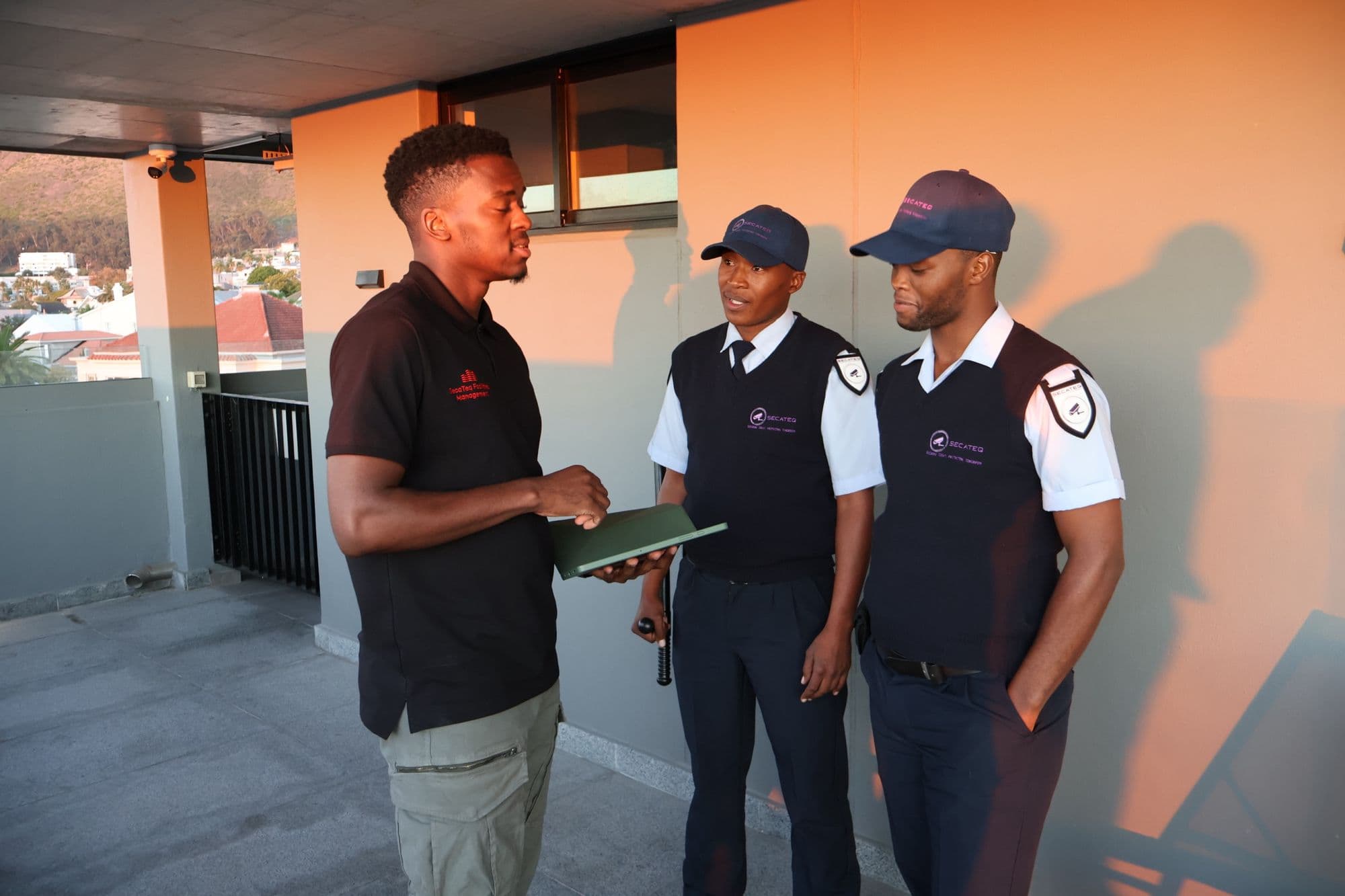
No app to install
Report a fault by scanning a board.
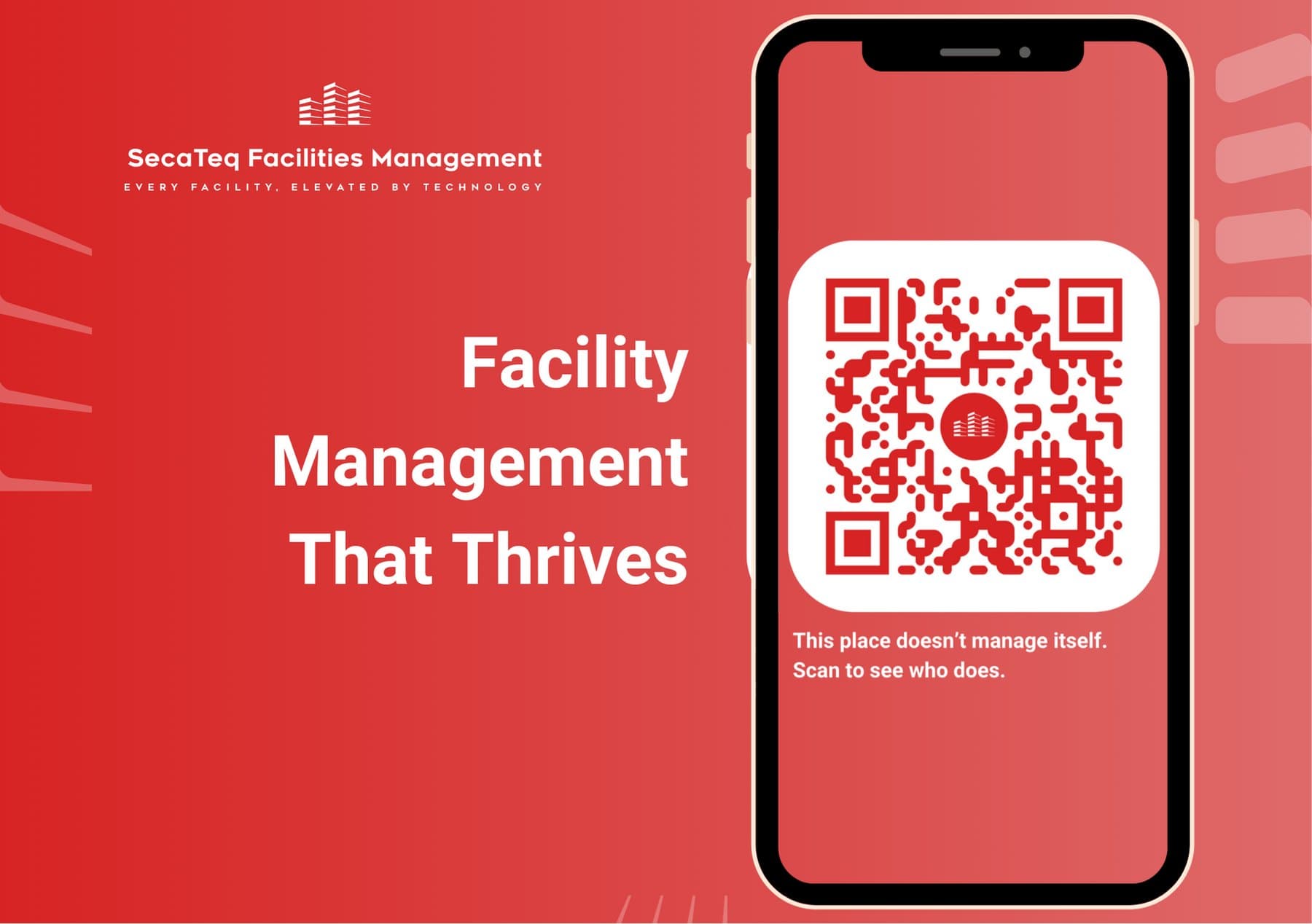
Residents and visitors scan a red SecaTeq FM board to report a fault, with photos or a voice note.
Pricing
We do not publish price lists. Every scheme is scoped on its own: the size of the site, the assets, the service level and whether SecaTeq already runs security or hygiene for you. The quote shows the line items before any work starts.
Facilities management FAQs
What does a facilities management company do for a body corporate?
It looks after the common property so trustees do not have to chase contractors. SecaTeq FM logs every fault as a work order, sends the right trade, collects line item quotes and photos, checks the work before sign off and hands the managing agent an invoice with the evidence attached.
How is SecaTeq FM different from a building manager?
A building manager is usually one generalist coordinating every trade. SecaTeq FM gives that role a system and a team: every job on a work order, evidence captured on site, AI Pilot checks on that evidence and contractor performance scored over time. It supports a building manager rather than replacing good ones.
Can trustees see proof before they approve payment?
Yes. Every work order carries the quote, the photos and video from the job, and the sign off history. Trustees approve against that evidence, not against a description on an invoice. Queries run as a thread on the job, so the full conversation stays on the record.
Do you handle planned maintenance as well as breakdowns?
Yes. We keep an asset register for critical systems, run preventive maintenance schedules and track compliance documents with expiry reminders. Planned work and breakdowns sit on the same record, so trustees can see what was scheduled, what failed and what it cost.
What is AI Pilot?
AI Pilot is the SecaTeq FM tool that checks a contractor's evidence before sign off: where and when each photo says it was taken, whether a photo was used before, and the work against the quote and the invoice. It flags any gaps. Geyser work is also checked against SANS 10254. A person always makes the sign off decision. Trustees approve work that has been checked, not work that only looks done.
How much does facilities management cost?
It depends on the site, the assets and the service level. We do not publish price lists. We scope each scheme, show line items up front and can reflect a combined arrangement if SecaTeq also runs your security or hygiene. Request a proposal at scan.secateq.com.
Talk to us before your next trustee meeting
Tell us about your building. We walk the site, show you how the record works and give you a quote with the line items up front.
Every fault logged. Every fix on the record.